No card to start. Your first download is free. A card starts 15 free days on either plan, and we email you 3 days before any charge. Your price doesn't rise while you stay. Prices are in US dollars. Our refund rule
No add-ons
Every feature on every plan.
Other e-sign tools keep these for their higher plans or charge per use. Here they come with Solo.
Send it
Bulk sendOne document to up to 200 people at once
A signing link for your siteEach visitor signs their own copy
In person, or by QR on a phoneHand over your tablet, or scan and sign with a finger
Your logo on the email and signing pageSo the invitation doesn't look like spam
Know who signed
Email code before signingSigners confirm a code from their inbox
Certificate and a free public checkOn every signed PDF; anyone checks it at /verify
Signing in 10 languagesNow with Portuguese, Japanese, Chinese and Hindi
Fewer steps
AI places the fieldsUpload a PDF; signature, date and name boxes land where they belong
Fields that show when neededAnswers decide what appears, and totals add themselves
API, webhooks and embedded signingSend and sign from your own software. For developers
Import from Google Drive or DropboxPick the file where it already lives
Also on every plan: comments on the document, reassign a signer, your own page after signing, templates, signing order and reminders, 17 PDF tools, and every signed copy as one ZIP. Every feature
Switching on soon
SMS code before signing, 50 texts a month
Get paid when they sign
Photo-ID check, pay per use
Zapier
WhatsApp delivery, outside the US
How it works
Fill it. Sign it. Seal it.
What both plans do from day one.
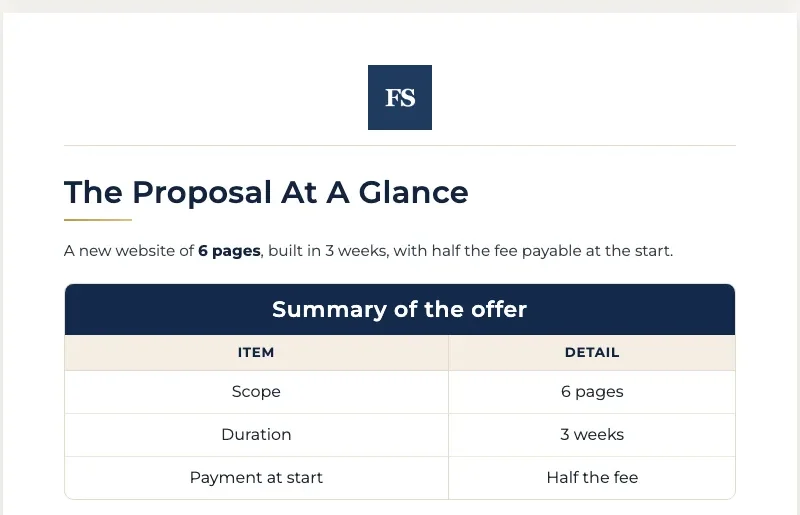
Write it on your letterhead
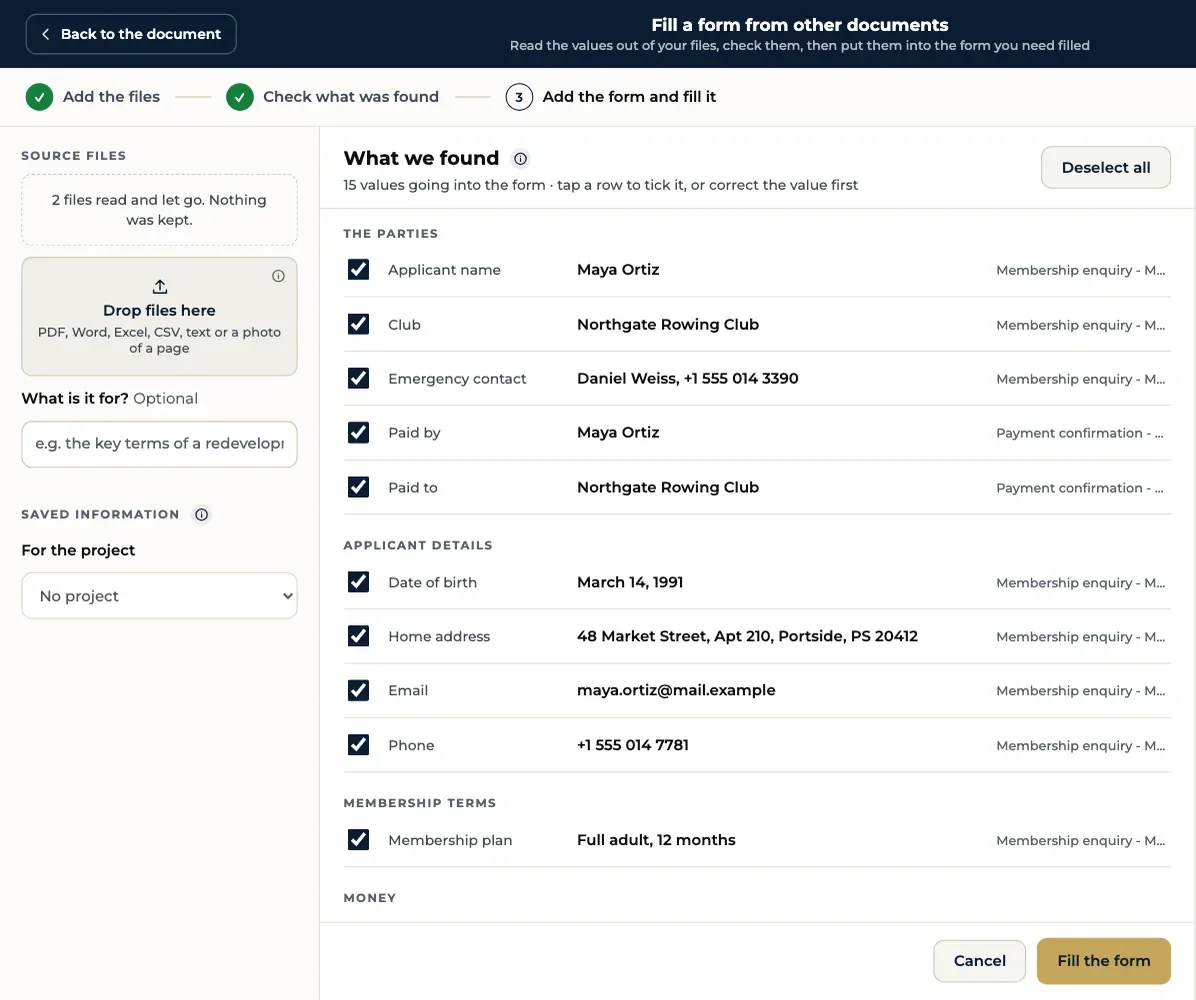
Fill forms from your files
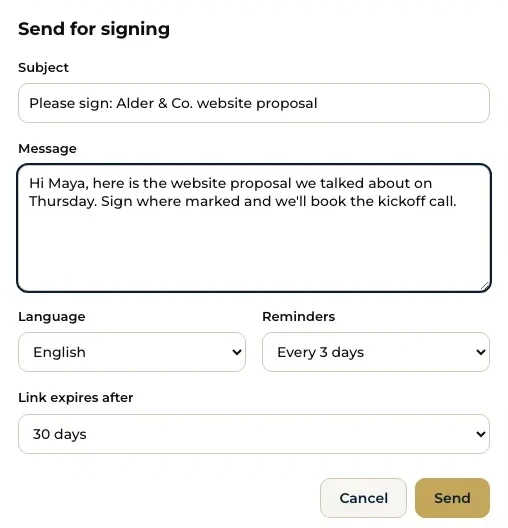
Send it for signing, sealed
Compare plans
Everything in each plan
Both plans include every feature. Team adds the people.
Features in the Solo and Team plans
Feature
Solo$10/mo$100/yr
Team$12/user/mo$130/user/yr
Team
People in your accountEach person gets their own sign-in.
1
Any number
One letterhead and template set for everyoneColleagues make documents from the same designs and the same document list.
Share a document to view or editInvite anyone by email to read or work on one document.
Your company sign-in pageYour own web address for your account.
Documents and letterhead
AI writes the documentDescribe it or drop in your files, and get a full draft on your letterhead.
Fact check on every draftChecks the draft kept your names, dates and figures exactly as given.
Ready-made designsLetters, quotations, invoices, receipts, certificates and more.
Your letterhead on every pageLogo, colors and contact details, brought in from your website in one step.
Logo ideasGet logo designs to choose from after four quick questions.
Version historySee earlier versions of a document and what changed.
Project foldersKeep each client's or job's documents together.
Fill forms
Reads details from your filesPulls names, numbers and dates from IDs and documents you upload.
Fills PDF formsFills any PDF form from the details you have saved.
Form Filler Chrome extensionFills forms on any website. You check every field and press submit.
Sign and seal
Send documents for signing by emailUpload a PDF or Word file, add signers, and they sign on any phone.
Unlimited signing requestsNo monthly limit on documents you send for signing.
Signing order, reminders and expiryChoose who signs first, nudge late signers, set a deadline.
Signing templates and bulk sendReuse a set-up document, or send one to many people at once.
AI places the fieldsUpload a PDF and the signature, date and name boxes are already where they belong.
A signing link for your sitePut one link on your site; each visitor signs their own copy.
In person, or on a phone by QRHand over your tablet, or scan a code and sign with a finger.
Fields that show when neededA field appears or becomes required from another answer, and totals add themselves.
Your logo on emails and the signing pageSigners see your name and logo, not ours.
API, webhooks and embedded signingSend and sign from your own software.
Sign it yourselfSign your own document in a few taps, no email needed.
Email code for signersSigners confirm a code sent to their inbox before they sign.
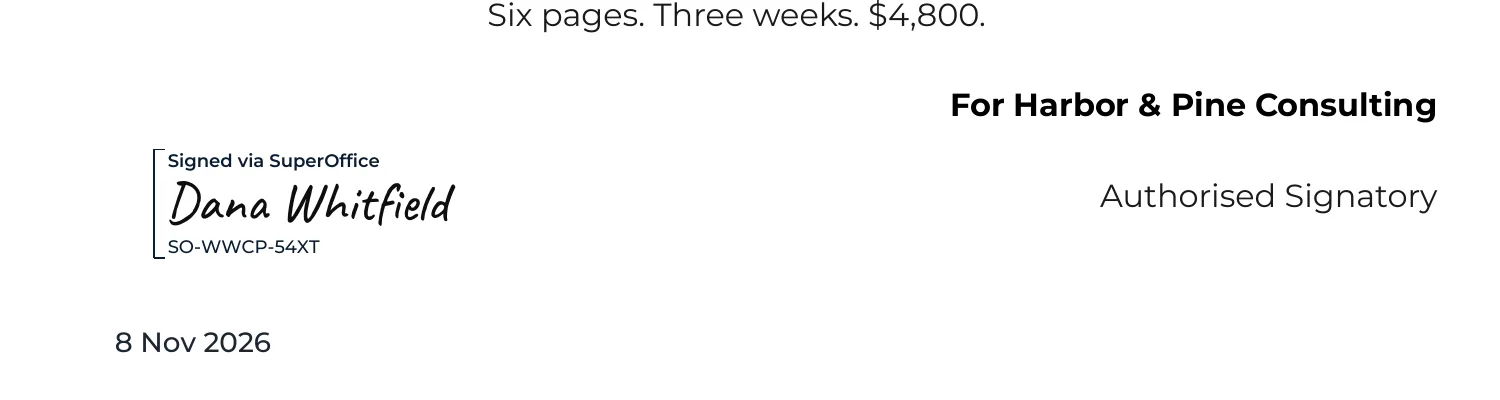
Digital seal and timestampEvery finished PDF is sealed, so any change after signing shows.
Signing pages in 10 languagesEnglish, Spanish, French, German, Italian, Dutch, Portuguese, Japanese, Chinese and Hindi.
Verify and record
Certificate of completionWho signed and when, the full history, attached to every signed PDF.
Online check for anyoneAnyone can confirm a signature online, no account needed.
Proof nothing changedDrop in a signed PDF to confirm it is the one that was signed.
Tools
17 PDF toolsMerge, split, compress, redact, convert to and from Word, scan to PDF and more.
Support and security
Sign in with Google, an email link or a codeNo password to remember.
Encrypted file storageFiles you keep in SuperOffice are encrypted on our servers.
Support by emailWrite to us and someone on our team answers.
Trial, refunds, annual plans and how Team is charged. Something else? Amit Jain replies within one US business day. How we handle your files and billing
Sign up with no card and use everything: write, send for signing, and download your first signed document free. When you download again, we ask for a card and your 15 free days start; your bank may show a small hold that is released straight away. We email you 3 days before the first charge. Cancel before then from Billing and you are never charged. The people who sign never pay and always get their copy.
How do I cancel after the trial?
Cancel from Billing in your account. You keep access until the end of the period you have paid for, and you are not charged again.
What is the difference between monthly and annual?
Annual is billed once a year and costs less: Solo is $100 a year, $20 less than 12 monthly payments, and Team is $130 per person a year, $14 less per person.
How is Team priced?
Team is priced per person. An office of 4 on monthly billing pays 4 × $12 a month. Everyone shares one account, one letterhead and one set of templates.
What is the launch price?
The struck-through figure is our list price. New users pay the lower launch price shown on each plan.
What currency will I pay in?
US dollars. If your card is in another currency, your bank converts it and may add its own fee. Payments are handled by Razorpay, and we never see your full card number.
Will my price go up?
Not while you stay. The price you start on is the price you keep, for as long as your plan runs without a break. If we raise prices for new customers, yours stays the same.
What is your refund rule?
Cancel any time and you keep access to the end of the period you paid for, with no further charge and no exit fee. If we charged you after you cancelled, or twice, we refund it in full. Forgot to cancel an annual plan? Write to us within 7 days of the renewal and we refund it. We email you 3 days before every renewal, so it should never be a surprise.
Can I take my documents if I leave?
Yes. Download every signed document and its certificate as one ZIP, any time. It still works for 90 days after you cancel, and we email you 30 days before we remove anything.
Do the people who sign need an account?
No. Signers open the link in their email and sign on any phone or computer, free.
Free to start
Try it free. No card.
Fill a form, send it for signing and download the sealed PDF on your first day. Then 15 free days, and $10 a month for Solo.